
Turn Twitch VODs into YouTube videos without cutting every pause by hand
QuietCut started as a tool for exactly this: cutting long YouTube videos out of Twitch VODs. Going through hours of stream and removing every quiet moment manually costs a lot of time for no reason.
QuietCut finds the quiet parts in your VOD and removes them automatically, entirely on your own machine.
Mic and game audio, kept apart
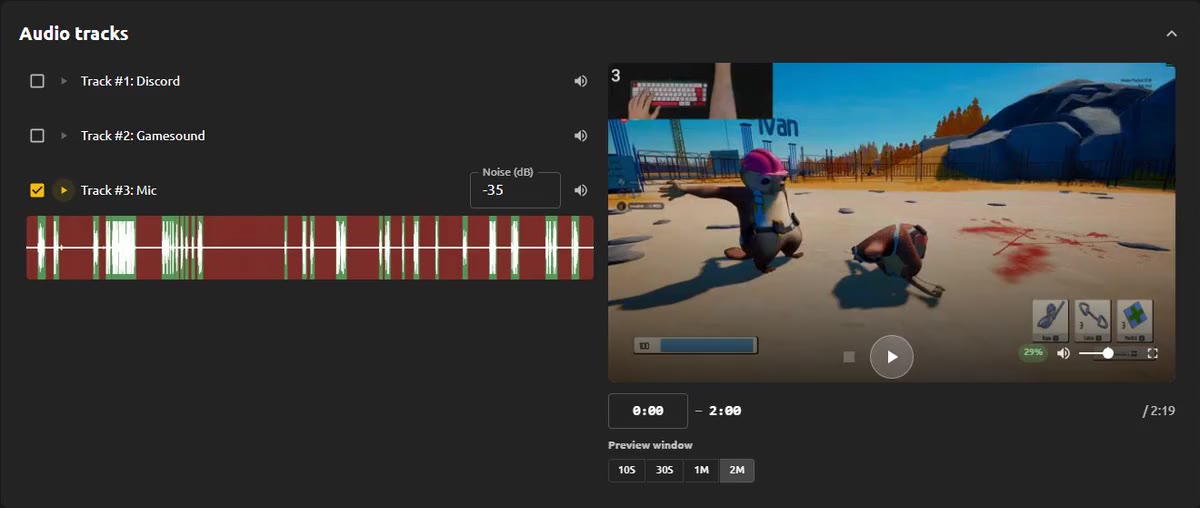
If your recording has several audio tracks, QuietCut reads every one of them separately, whether it is your mic, game sound, Discord or any other track. Tick the track that should drive the cut, usually your mic, and give every track its own dB threshold. That way loud game audio does not stop QuietCut from finding the moments where you are not talking.
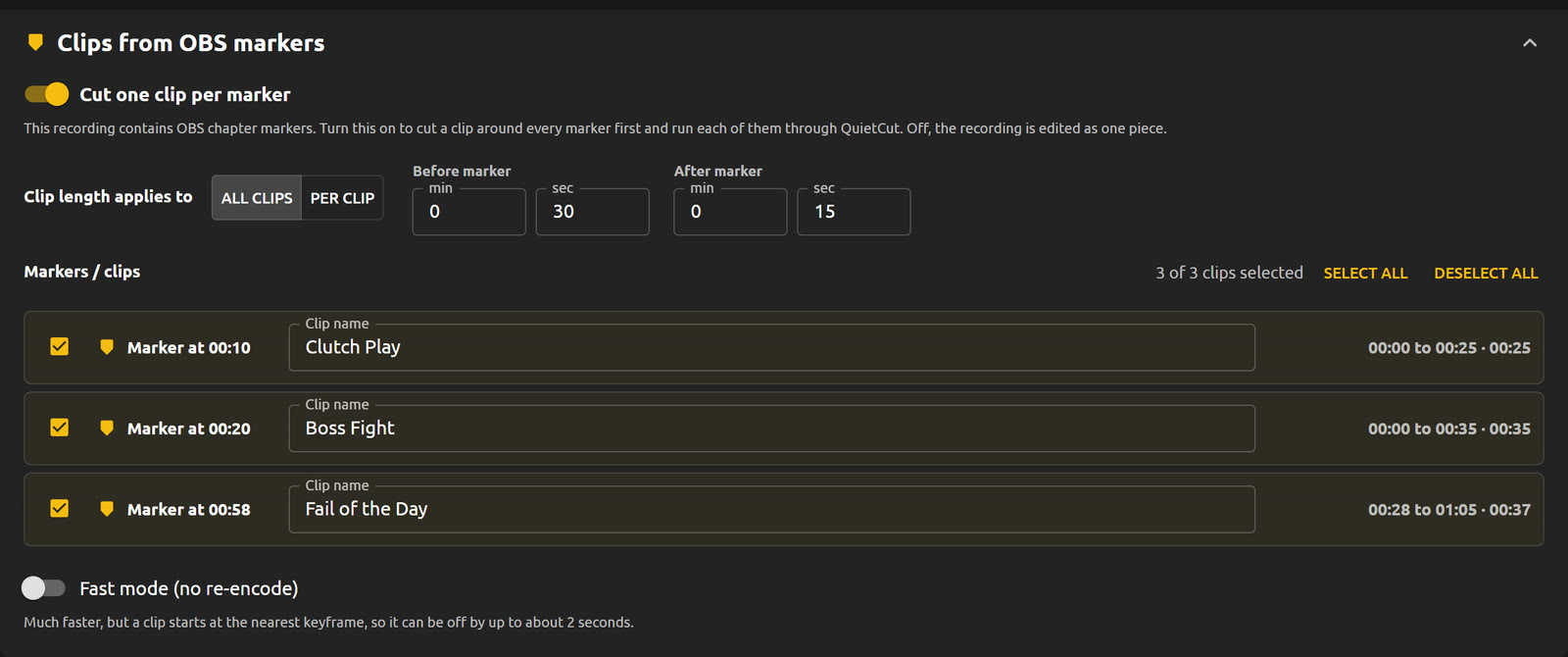
Clips from OBS markers
If you hit the chapter marker hotkey in OBS while streaming or recording, QuietCut finds those markers automatically. Every marker becomes its own clip, and you decide how far it reaches before and after the marker. Name the clips, untick the ones you do not need and get one finished file per highlight.
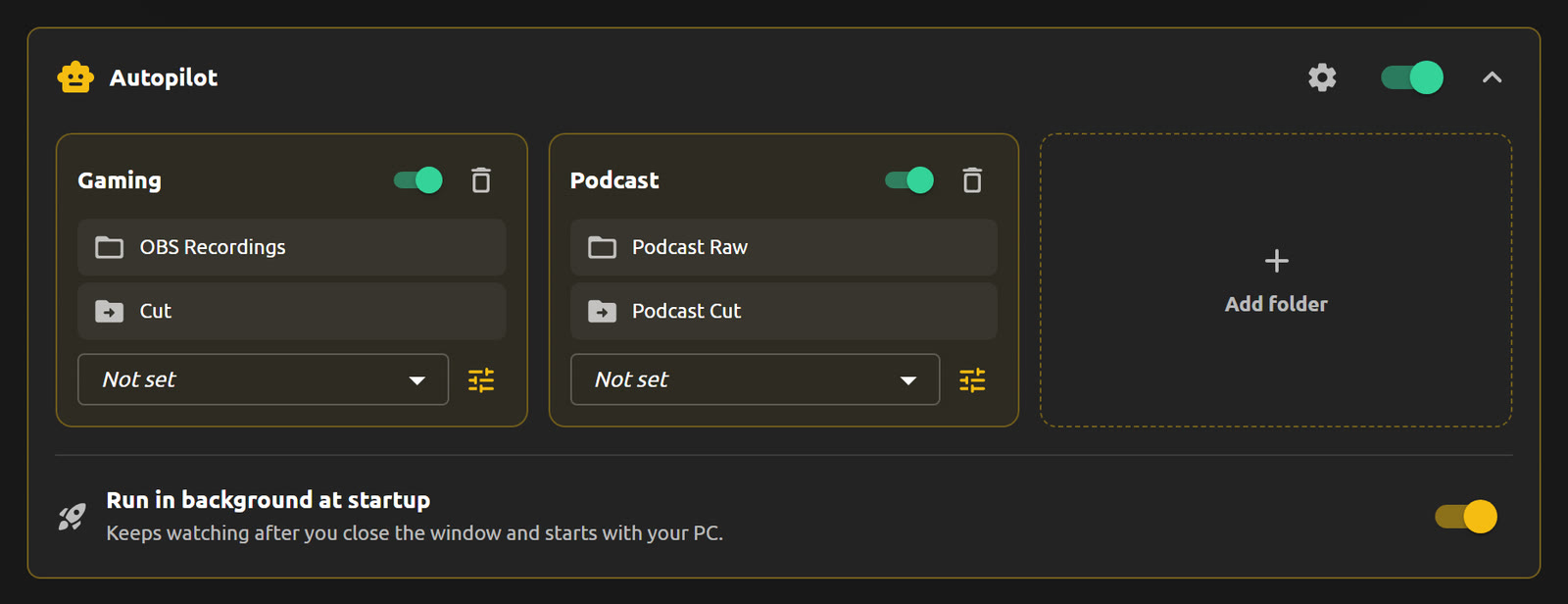
Let Autopilot handle new VODs
With Premium you can point QuietCut at a folder. Every new recording that lands there is cut automatically with the settings you defined for that folder, in the background while you already work on the next video.
Fast, even for multi-hour streams
A 2 hour video with 2 audio sources takes around 15 to 30 seconds for the XML export on an NVMe SSD. Export as XML to polish the cut in Premiere, DaVinci Resolve or Final Cut, or as a finished MP4.