
QuietCut Silence Remover for Windows and macOS
QuietCut is a desktop silence remover. You drop in a recording, QuietCut measures the volume, finds every silent passage and cuts it out automatically. The result is a tighter video without dead air, and you did not have to touch a single pause by hand.
Unlike online silence removers, QuietCut runs entirely on your own PC or Mac. Your recordings are never uploaded, there is no file size limit from a web upload, and there is no AI guessing what to cut. You set the rules, QuietCut applies them.
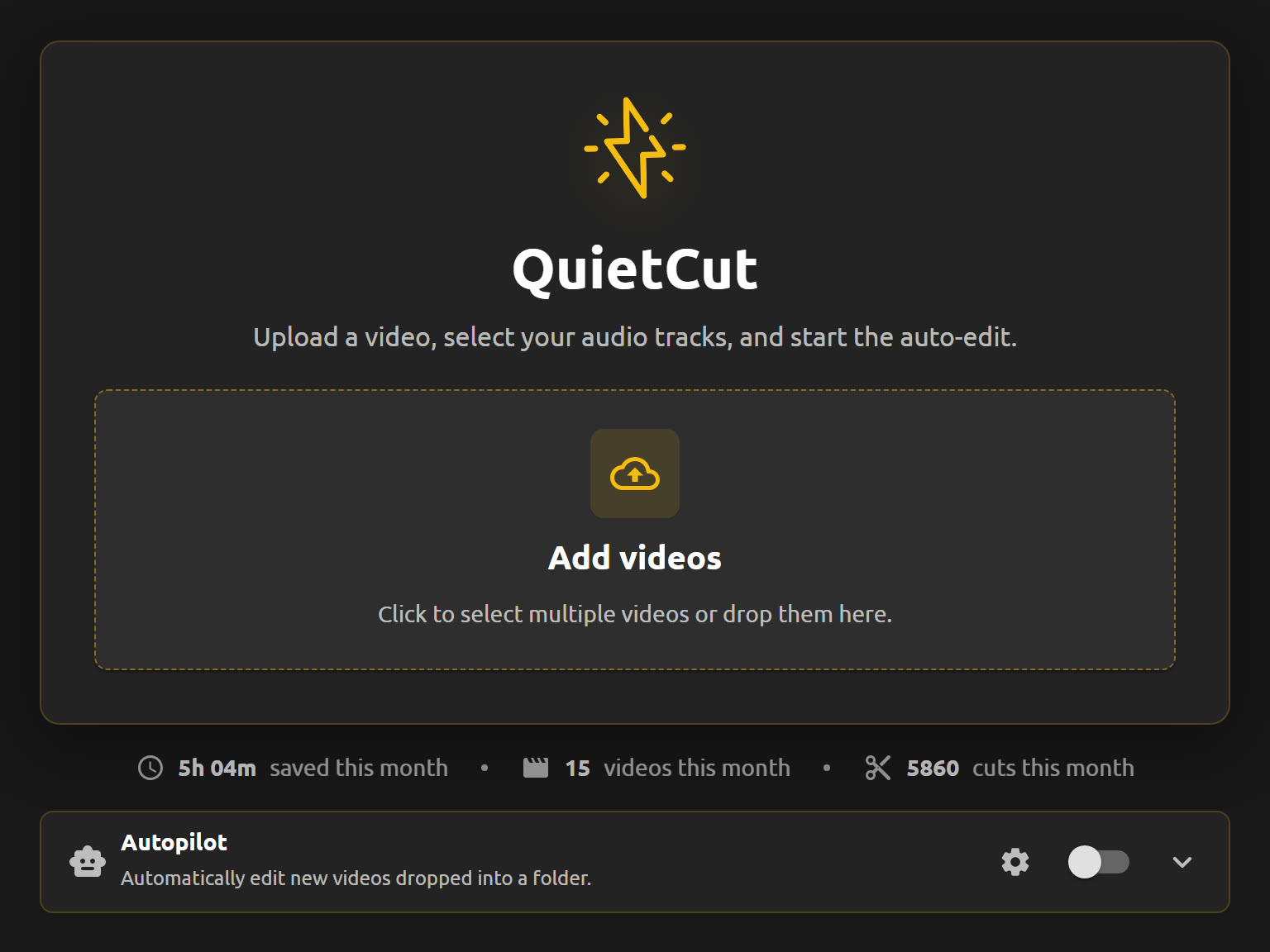
What makes QuietCut different from other silence removers
- Local instead of cloud: your footage never leaves your machine.
- No AI: precise audio analysis with a dB threshold you control.
- Multiple audio tracks: every track in your recording is read separately with its own threshold, for example mic, game sound, Discord or a guest.
- Very fast: a 2 hour video with 2 audio sources takes around 15 to 30 seconds for the XML export on an NVMe SSD.
- Export as MP4 or as XML timeline for Premiere Pro, DaVinci Resolve and Final Cut.
- No subscription: Basic is free, Premium is a one-time payment.
How to remove silence with QuietCut
- Download QuietCut for Windows or macOS.
- Drag your video or audio recording into the app.
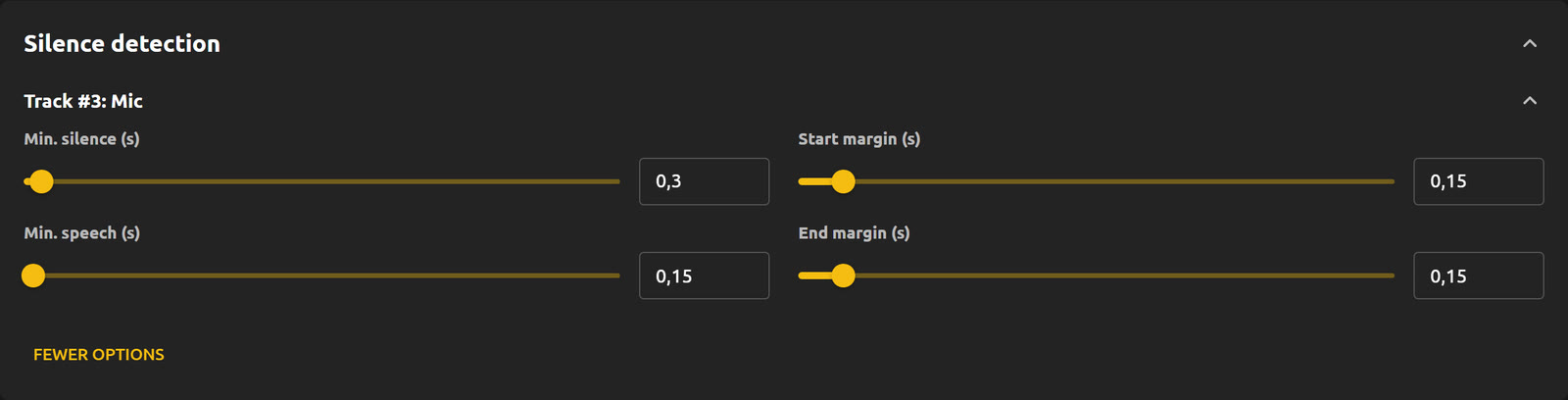
- Pick the audio track that should drive the cut and set the dB threshold, minimum pause length and margins.
- Export as MP4 for a finished video, or as XML to keep editing in your editor.
Who QuietCut is made for
QuietCut was built by a streamer to cut YouTube videos out of long Twitch VODs. Today it is used for VODs, let’s plays, podcasts, tutorials, talks and any recording where pauses slow things down.
Pricing
The Basic plan is free and includes 1 hour of processing per month. Premium removes the limit and adds bulk processing, audio and video preview, Do Not Touch mode and Autopilot. It costs 44,90 € once for Lifetime or 9,90 € for a 30-day pass. Nothing renews automatically.
The official QuietCut website
QuietCut is developed by 925studios e.U. The only official website is quietcut.me. Other websites with a similar name are not affiliated with QuietCut. Only download the app from quietcut.me or the official GitHub Releases.