
Remove silence from videos automatically
Cutting out every pause by hand is one of the most tedious parts of editing. QuietCut does it for you: it analyzes the volume of your recording, finds every quiet passage below your threshold and removes it automatically.
Everything runs locally on your own PC or Mac. Your files are never uploaded, and there is no AI involved, just precise audio analysis that you control.
How the silence removal works
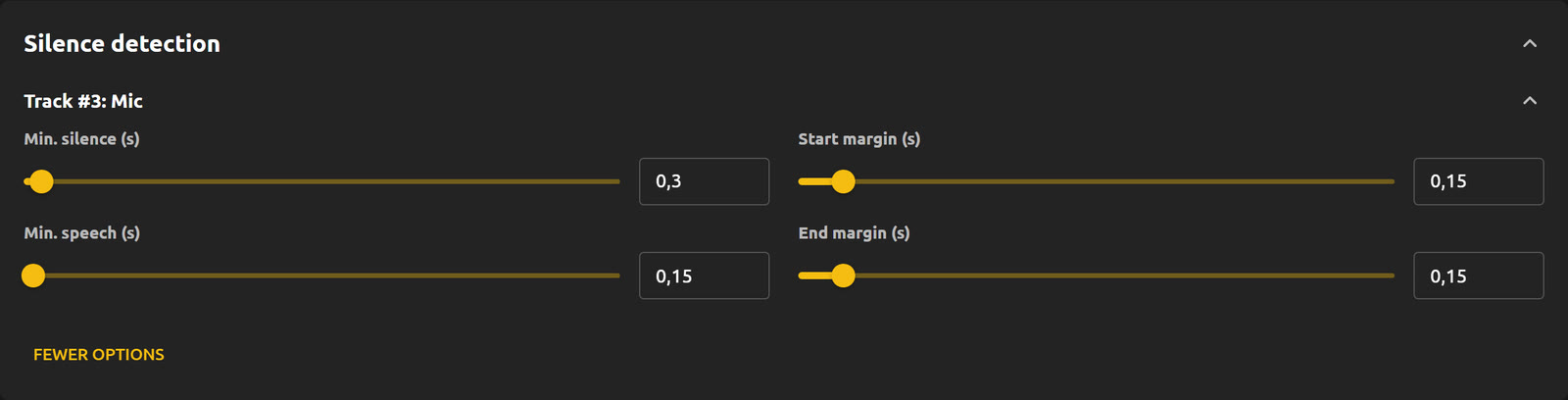
You set a dB threshold that decides what counts as quiet. On top of that you define how long a pause has to be before it gets cut, how short a speech segment may be, and how much padding (margins) stays before and after every cut, so transitions still sound natural.
If something is cut too aggressively, lower the threshold or increase the margins. If too little is removed, raise the threshold slightly.
Built for long recordings
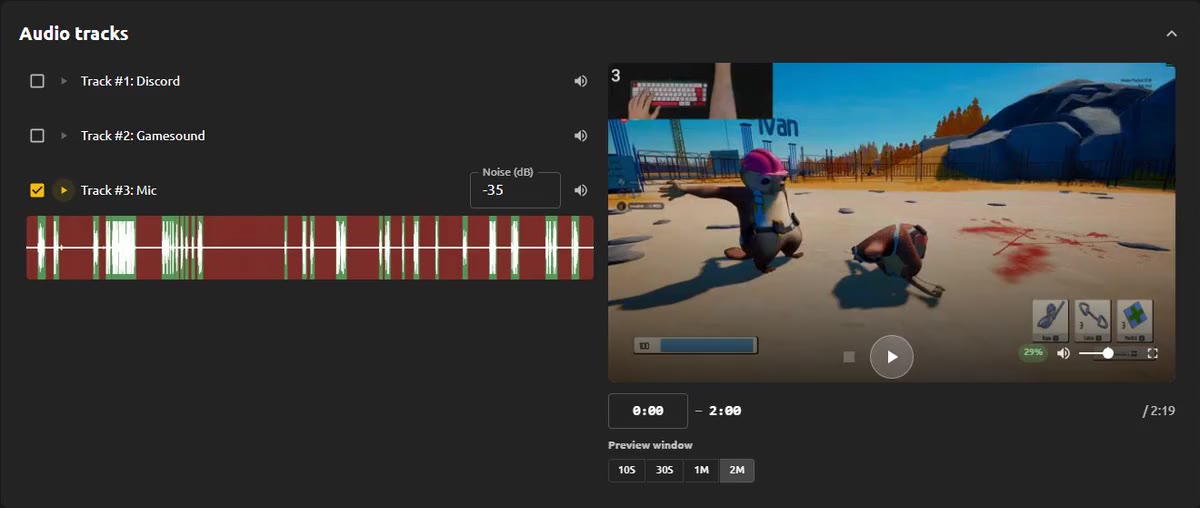
- Multiple audio tracks: every track in your recording is read separately with its own dB threshold, for example mic, game sound, Discord or a guest.
- Very fast: a 2 hour video with 2 audio sources takes around 15 to 30 seconds for the XML export on an NVMe SSD.
- Export as MP4 for a finished video, or as XML to keep editing in Premiere, DaVinci Resolve or Final Cut.
- Premium: bulk processing, audio and video preview, Do Not Touch mode and Autopilot, which cuts every new recording in a watched folder automatically.
Free to start, no subscription
The Basic plan is free and includes 1 hour of processing per month. Premium is a one-time payment: 44,90 € for Lifetime or 9,90 € for a 30-day pass that simply ends on its own. Nothing renews automatically.